How-To
How to Evaluate a Managed Service Desk Proposal: 5 Things to Check
Before you sign a managed service desk contract, check five things: coverage, service levels, escalation, true cost and the transition plan.
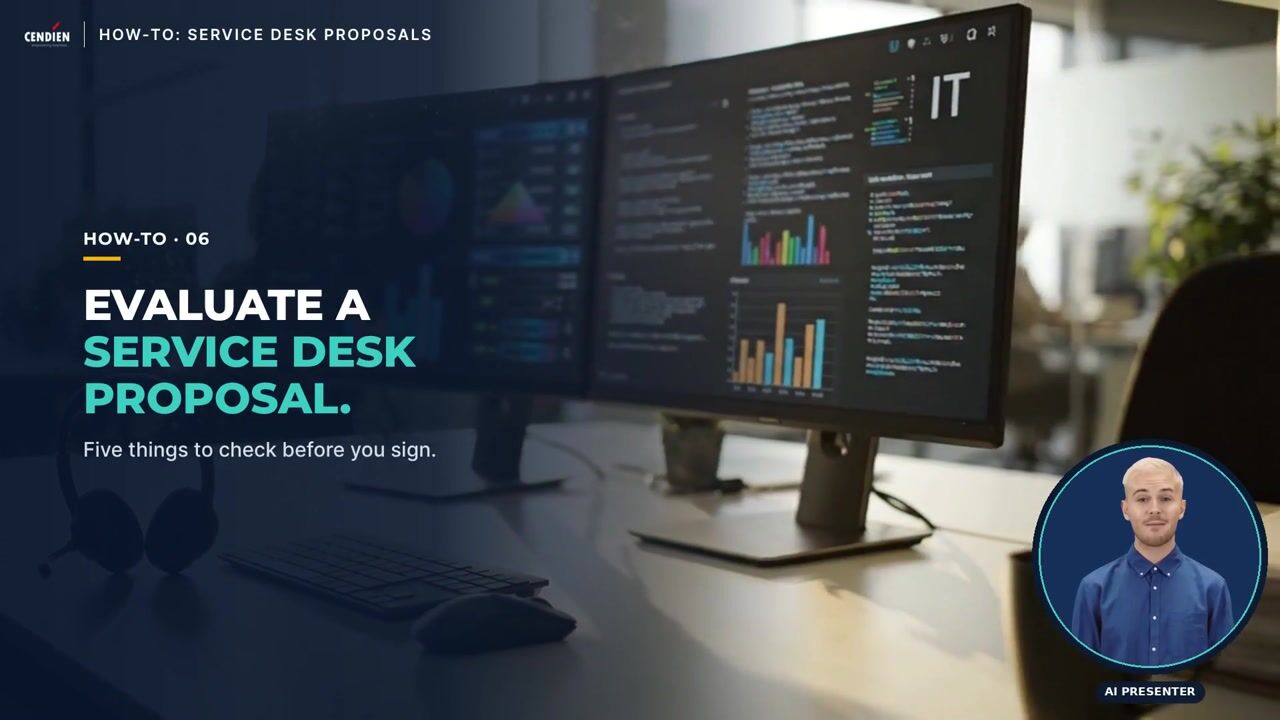
How-To · Episode H06
Presented by an AI presenter. Written and reviewed by Cendien.
5 steps in this how-to
- Check the coverage — Confirm the hours, support channels and locations that are actually included.
- Read the service levels closely — Look at response and resolution targets, how they are measured, and what happens when they are missed.
- Understand the escalation path — Know who handles the issues the service desk cannot fix, and how quickly.
- Compare the true cost — Add up onboarding, per-user or per-ticket fees, after-hours charges and extras.
- Ask for a transition plan — Make sure knowledge, access and open tickets move over without disrupting users.
Read the transcript
Here's a quick how-to from Cendien: evaluating a managed service desk proposal. Step one: check the coverage. Confirm the hours, support channels and locations that are actually included. Step two: read the service levels closely. Look for response and resolution targets, how they are measured, and what happens when they are missed. Step three: understand the escalation path. Know who handles the issues the service desk cannot fix, and how quickly. Step four: compare the true cost. Add up onboarding, per-user or per-ticket fees, after-hours charges and anything listed as extra. Step five: ask for a transition plan. A good proposal explains how knowledge, access and open tickets move over without disrupting your users. If you'd like to see how Cendien runs a service desk, talk to us at cendien.com.
Service desk proposals often look alike on the first page. The differences that matter, and the ones that cause friction a year later, are usually in the details: what is covered, how service levels are measured, and what costs extra.
This guide covers the five things to check before you sign. Watch the one-minute video for the overview, then use the detail below when you review a proposal.
Step 1: Check the coverage
- Hours: business hours only, extended hours, or 24x7, and in which time zones.
- Channels: phone, email, chat and self-service portal, and whether all of them are staffed.
- Scope: which locations, users, devices and applications are actually included.
Step 2: Read the service levels closely
- Response and resolution targets by priority, and how each priority is defined.
- How they are measured and reported, and how often you will see the numbers.
- What happens when targets are missed: credits, remediation plans or nothing at all.
Step 3: Understand the escalation path
- Who handles what the service desk cannot fix: second-level support, onsite technicians, application specialists or vendors.
- How quickly escalated issues are picked up, and who owns the issue until it is closed.
- How you are kept informed during major incidents.
Step 4: Compare the true cost
- Add up everything: onboarding fees, per-user or per-device pricing, per-ticket charges and minimums.
- Look for extras: after-hours work, onsite visits, projects and change requests.
- Compare proposals on the same basis, using your real user counts and ticket volumes.
Step 5: Ask for a transition plan
- Knowledge transfer: how the provider learns your environment, documentation and common issues.
- Access and tools: how accounts, monitoring and ticketing move over securely.
- Open tickets and users: how work in progress is handed over without disrupting your users.
Frequently asked questions
Should we choose the lowest price?
Only if the coverage, service levels and extras are truly comparable. A lower monthly fee can cost more once after-hours work and excluded items are added back.
What should a good proposal include about reporting?
Regular reports on ticket volumes, response and resolution times against targets, and trends, with a named contact who reviews them with you.
See how Cendien runs a service desk
Cendien provides managed IT and service desk support for public sector and commercial clients. Talk to our team or read more about our service desk services.
Related services
- ERP Services — Implementation, upgrades and managed ERP support.
- Managed IT Services — Help desk, monitoring and co-managed IT.
- AI & Automation — AI strategy, automation and analytics.
Related insights
- The Future of Healthcare IT: Trends to Watch in 2026 — Explore emerging technologies transforming healthcare delivery, from AI-powered diagnostics to interoperable EHR systems.
- HIPAA Compliance in 2026: What Healthcare Organizations Must Know — A comprehensive breakdown of updated HIPAA requirements, enforcement trends, and practical compliance strategies for healthcare IT